Here is an honest, hands-on style breakdown of how good the V500 Mini Tower actually is, where it shines, and where it falls short.
[caption id="" align="aligncenter" width="2048"]
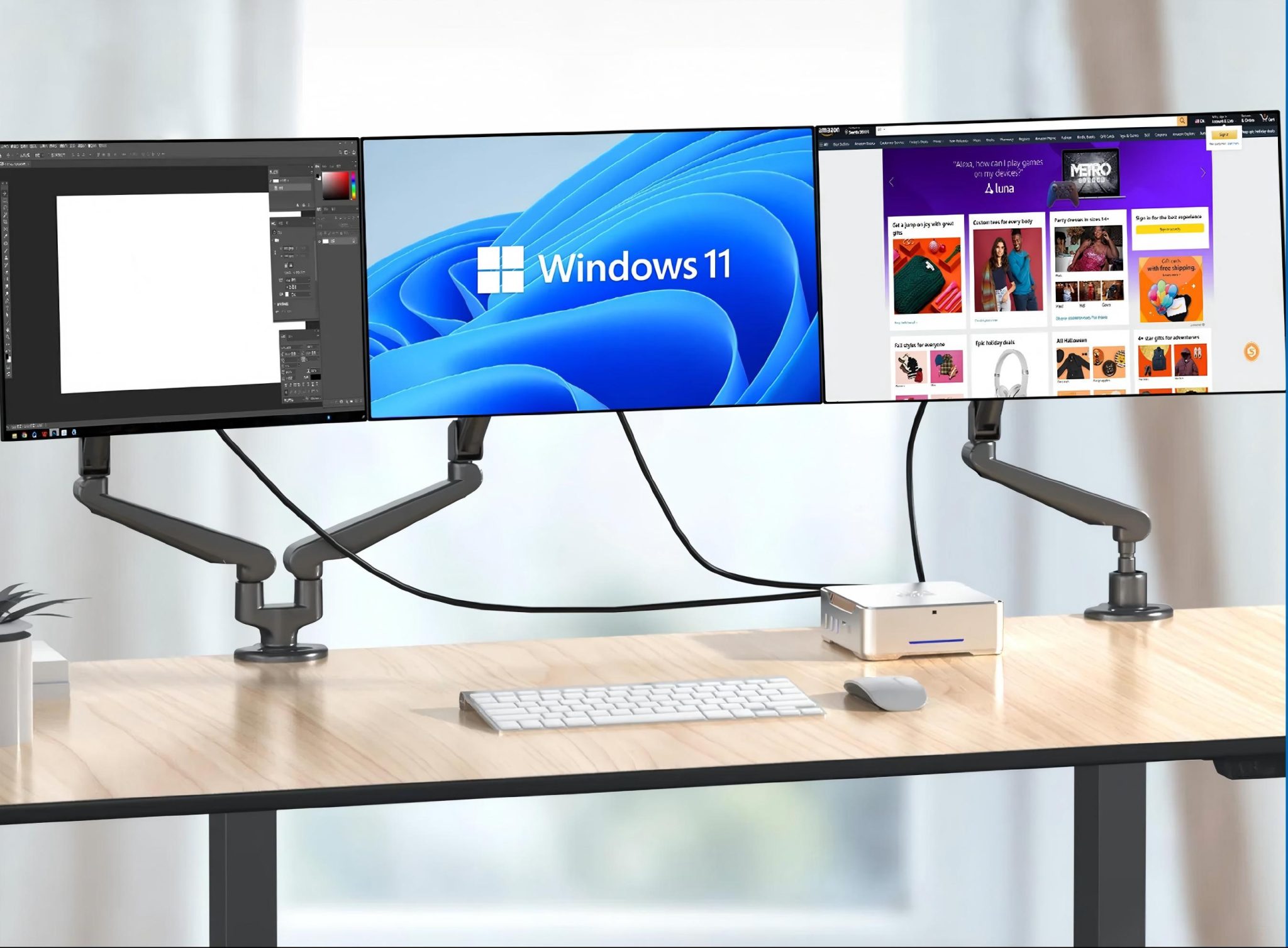 Tenfly OEM/ODM Mini PC Customization Services[/caption]
The Core Concept: The Laptop-Desktop Hybrid
The most unique thing about the V500 is its processor: ASUS installed a high-performance laptop CPU (up to an Intel Core i7-13620H) inside a 15-liter desktop chassis.
By cooling a laptop chip with a beefy, desktop-sized CPU cooler (featuring 3 copper heat pipes on the i7 model), ASUS gets the best of both worlds:
- Lower Power Consumption: It draws up to 34% less power than a standard desktop CPU.
- Near-Silent Operation: Because the cooler doesn't have to work as hard, the system is whisper-quiet, measuring around 38 dB even under heavy workloads.
- Sustained Performance: Unlike a thin laptop that quickly thermal throttles (slows down to prevent overheating), the V500 maintains high boost clocks for much longer. In benchmarks like Cinebench R23, it comfortably beats similar laptop configurations.
Upgrade Potential & Maintenance
Unlike modern ultra-compact mini PCs, which often solder components down, the V500 mini tower makes basic upgrades incredibly easy. You can access the interior via two captive thumbscrews on the side panel:
- Memory: Includes SO-DIMM slots supporting up to 64GB of DDR5 RAM.
- Storage: Features two M.2 NVMe SSD slots (supporting up to 4TB) and even comes with an HDD upgrade kit if you want to mount a cheap 3.5-inch hard drive.
- PCIe Slot: There is a single PCIe 4.0 x8 slot available.
- The Major Catch: The PC comes with a 180-watt power supply with proprietary screw holes. This means you cannot swap in a standard aftermarket power supply. If you want to add a graphics card later, you are strictly limited to low-power GPUs that do not require massive power connectors (such as an RTX 3050, 4060, or entry-level RX cards).
Pros & Cons
What We Like (The Good)
- Great Productivity Performance: Handling spreadsheets, 4K dual-monitor setups, browser multi-tasking, and light creative editing is a breeze.
- Extremely Quiet & Cool: The laptop-chip-on-desktop-cooler configuration keeps it silent and cool.
- Easy to Service: Quick-release panels and plenty of interior space make cleaning and adding RAM or SSDs incredibly simple.
- Solid Business Support: The 3-year onsite warranty (where a technician comes to you) is a massive perk for office environments.
What to Keep in Mind (The Bad)
- Not for Serious Gaming: The integrated graphics are strictly for office work. Unless you buy the specific RTX 4060 model (or add a low-power GPU yourself), it will struggle with modern gaming.
- Proprietary PSU: The 180W power supply cannot be easily upgraded due to its custom form factor, limiting future high-end GPU upgrades.
- CPU is Soldered: Because it uses a laptop processor, you can never upgrade the CPU itself in the future.